Teach live. Then make sure nobody stays stuck.
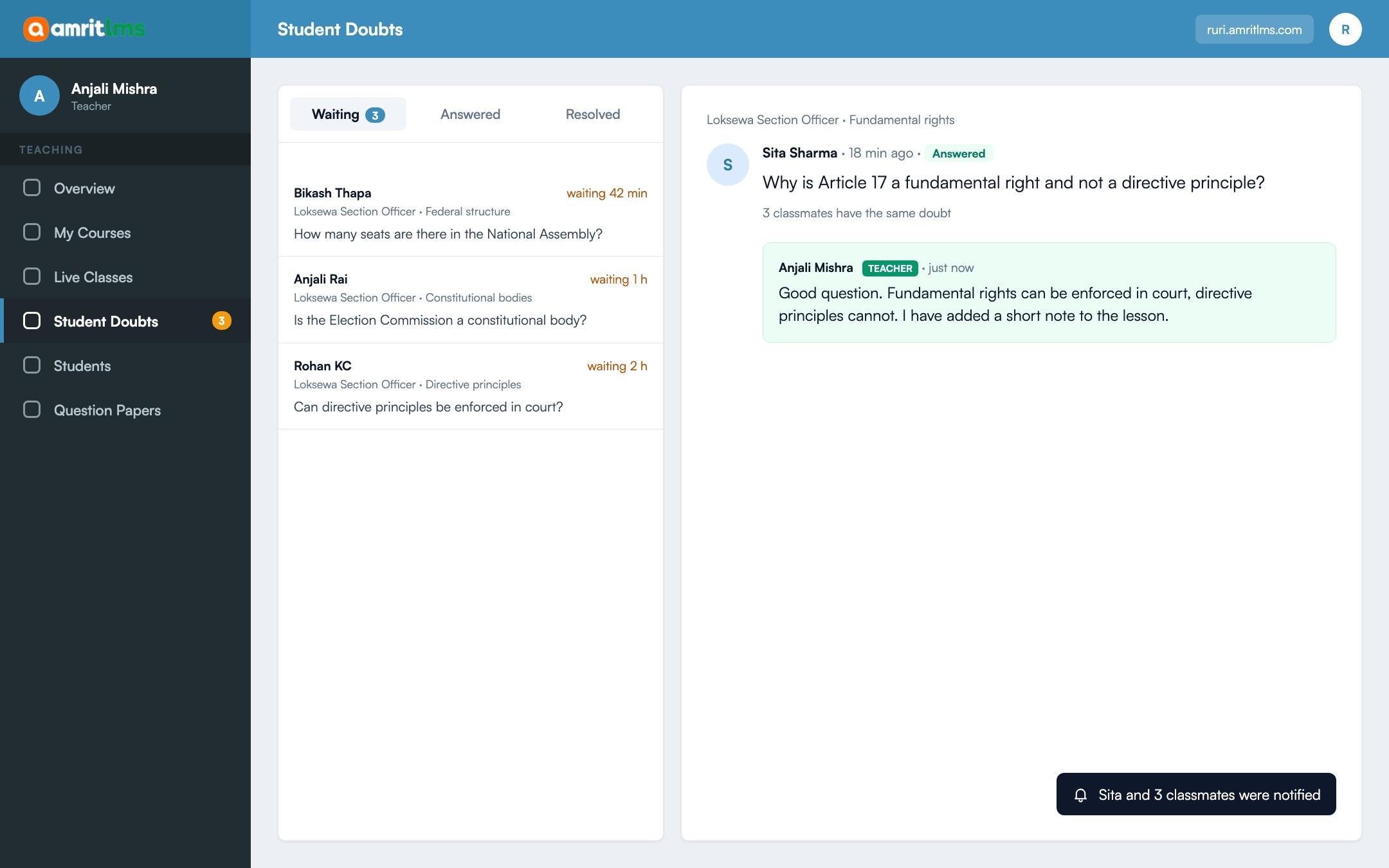
Run classes on the Zoom or Google Meet account you already have. After class, students ask doubts under the lesson and teachers answer them from one inbox.
What you can do
Live classes and doubts, in detail
01
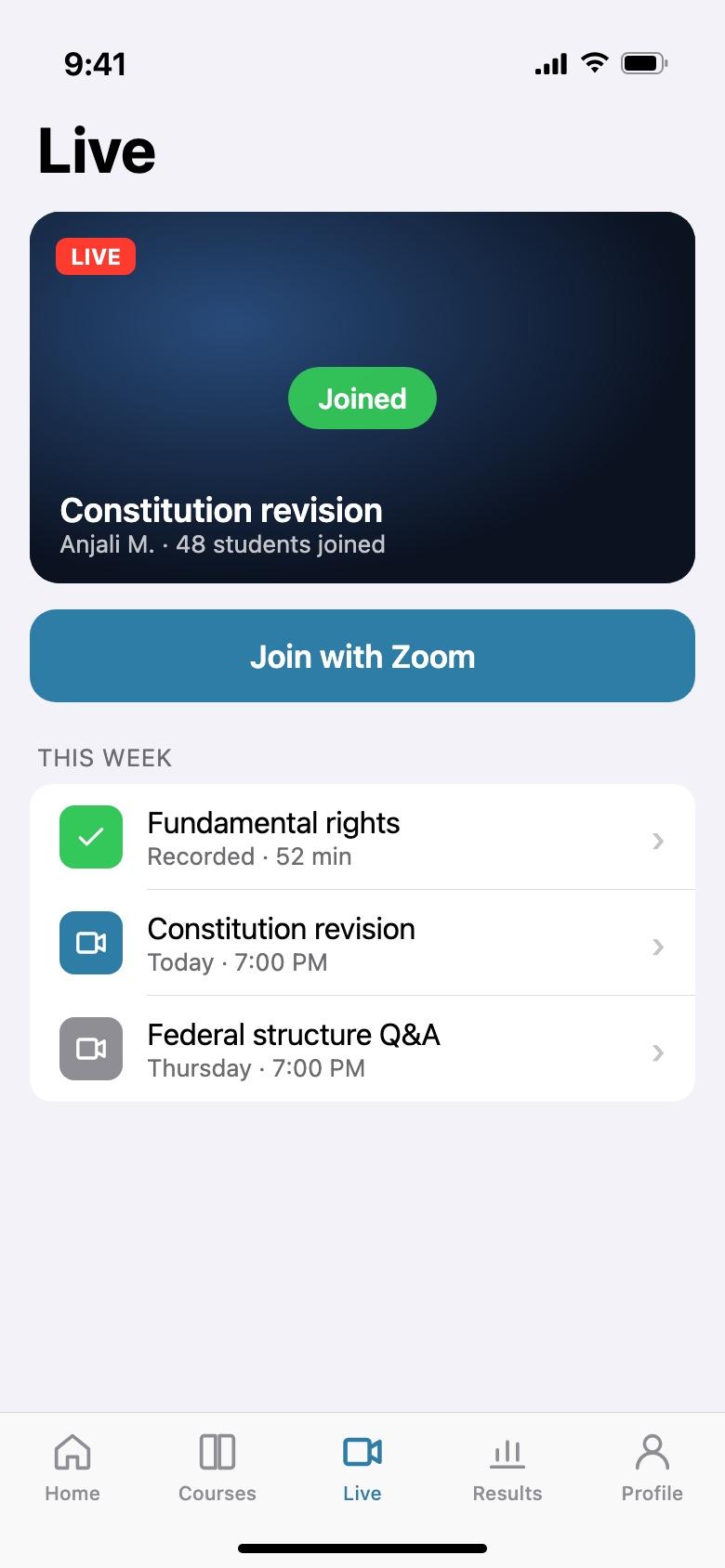
Zoom or Google Meet
Use the meeting tools your teachers already know. No new software to learn.
02
One-off or weekly
Schedule a single class or a weekly series for a batch.
03
Only enrolled students get in
The join link shows only to students of that course.
04
Doubts under each lesson
Students ask about the exact lesson, with a screenshot if they need one.
05
One inbox for teachers
Teachers see every open doubt for their courses and answer in one place.
06
Nothing gets missed
If no teacher is assigned, the doubt goes to the academy admin instead.
How it works
Three steps
- 1
Schedule the class
Pick the course, time and meeting link.
- 2
Students join from their dashboard
The class appears for enrolled students only.
- 3
Answer doubts after class
Questions arrive under the lesson; teachers reply from their inbox.
Questions
Before you ask
Do we need a paid Zoom account?
You use your own Zoom or Google Meet account, on whatever plan you already have.
Are classes recorded?
Recording happens in Zoom or Meet. Upload the recording to the course as a lesson afterwards.
Can other students see a doubt?
Yes, students of the course can see and follow doubts, so the same question is answered once.
Take the next step
See Amrit LMS with your own courses
Book a short demo and we will walk through your courses, exams and payments with you. Or start a free trial and explore it yourself.
- 15-day free trial
- No card needed